Your Practice. Reimagined.
Run your practice,
prove your results.
Client onboarding, client management, client conversations, course delivery, client success tracking just got much simpler.
Your practice ran your way.
Less admin.
More room for your clients.
Bring the everyday work of your practice together from the first agreement to the next conversation to showcasing your clients’ results.
Run your practice
through a voice note.
Speak or type your instructions into connected Claude. Build your cohort, ongoing membership, or one-on-one experience through a conversation.
 Meridian
“Help me set up my practice in Meridian.”
- 01
Connect your AI.
Open the Meridian setup guide, add its connector in Claude, and sign in to your Meridian account.
- 02
Start the conversation.
Say or type “Set me up in Meridian.” Follow the guided questions about your practice and clients.
- 03
Make it yours.
Describe your program, resources, and client experience. Review the setup with Claude. Connect payments and your calendar in Meridian when you need them.
Less software to learn. More of your practice, in your own words.
Open the setup guide Meridian access and a supported Claude account required.A clear view.
Of the whole practice.
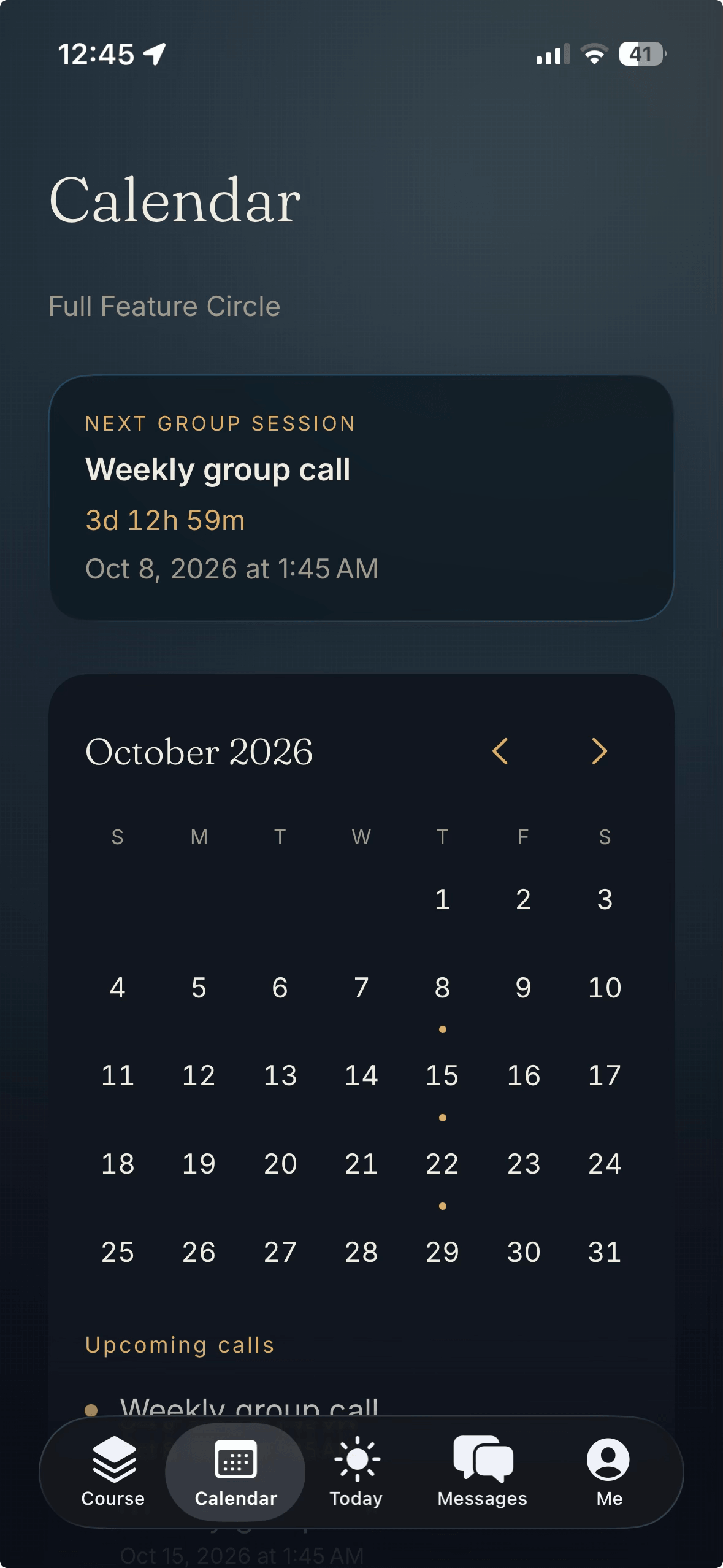
See your sessions, clients, and next steps in one place. Spend less time piecing together your day.
The everyday essentials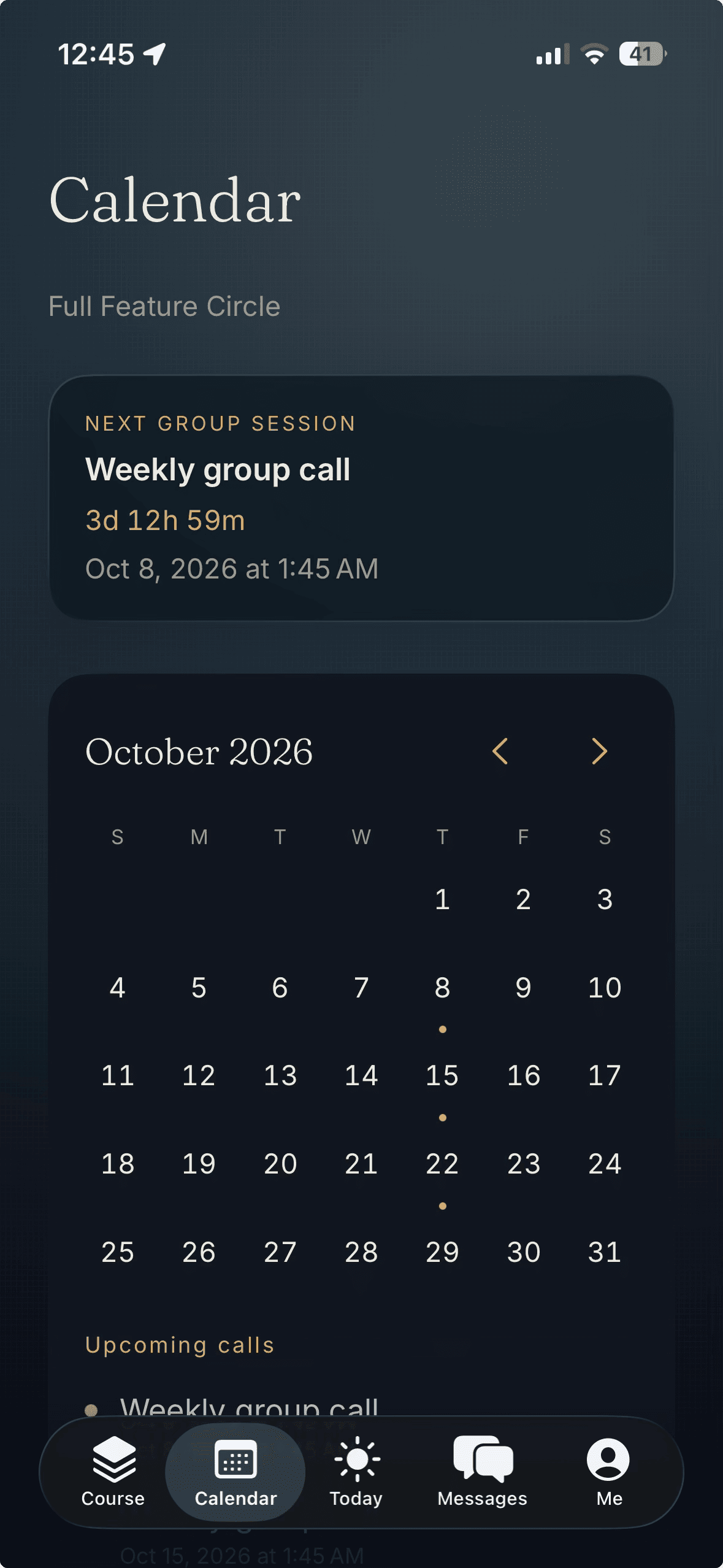
Keep the
conversation going.
A place for the conversations that happen between sessions. Share a message, a voice note, or a file with your client.
Built around the practitioner-client relationship.
Closer.
Even between
sessions.
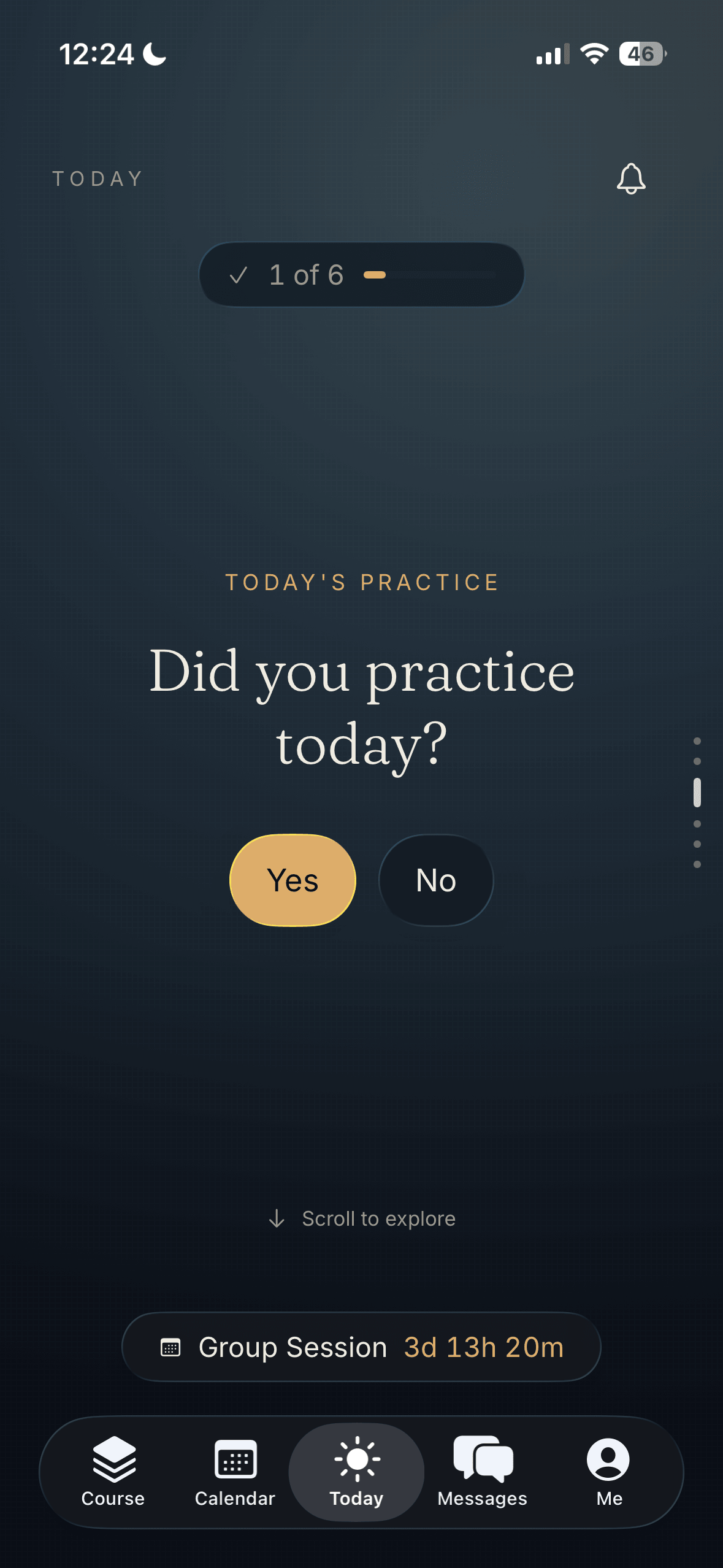
Give your clients a place to return to. Their action items, check-ins, and resources, together with the support you share.
Meet Meridian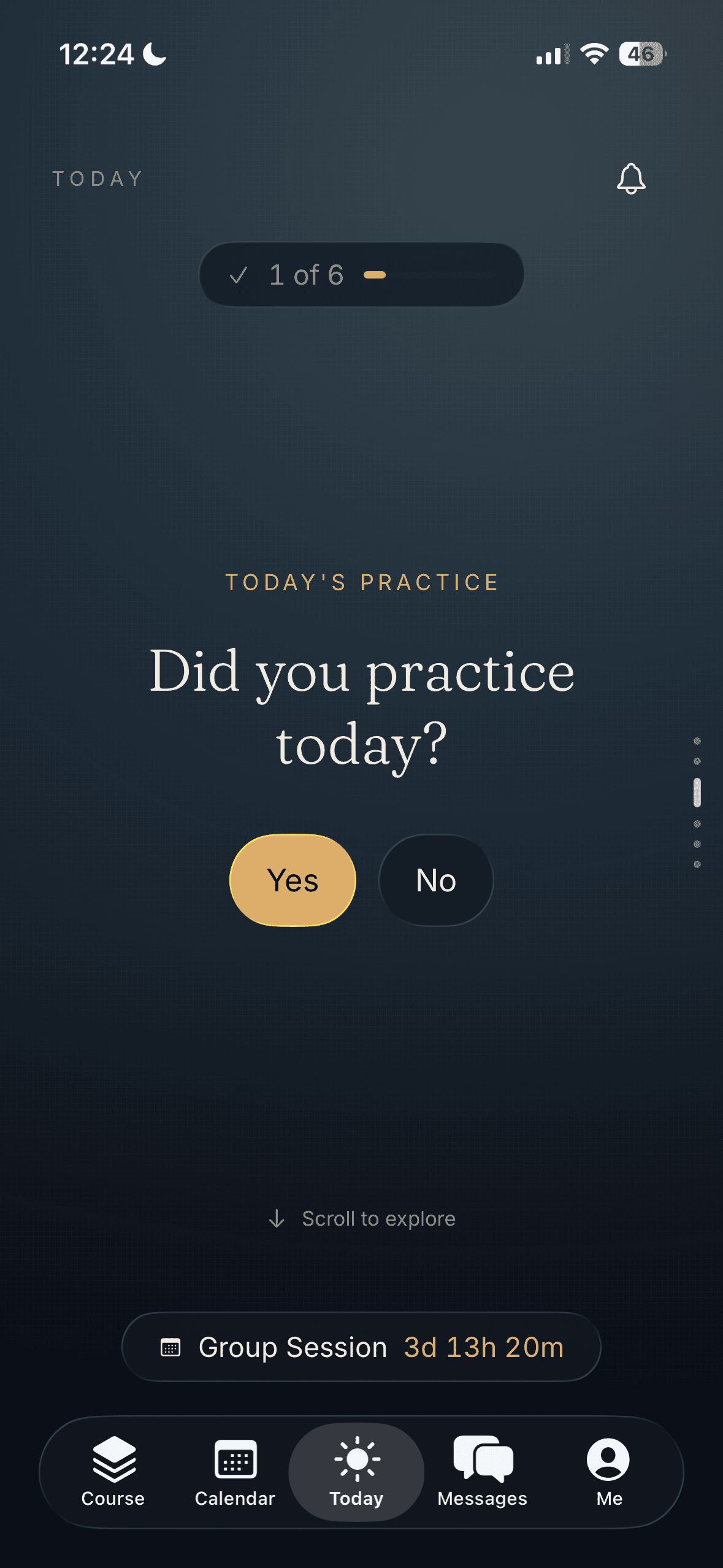
See the work.
Track the change.
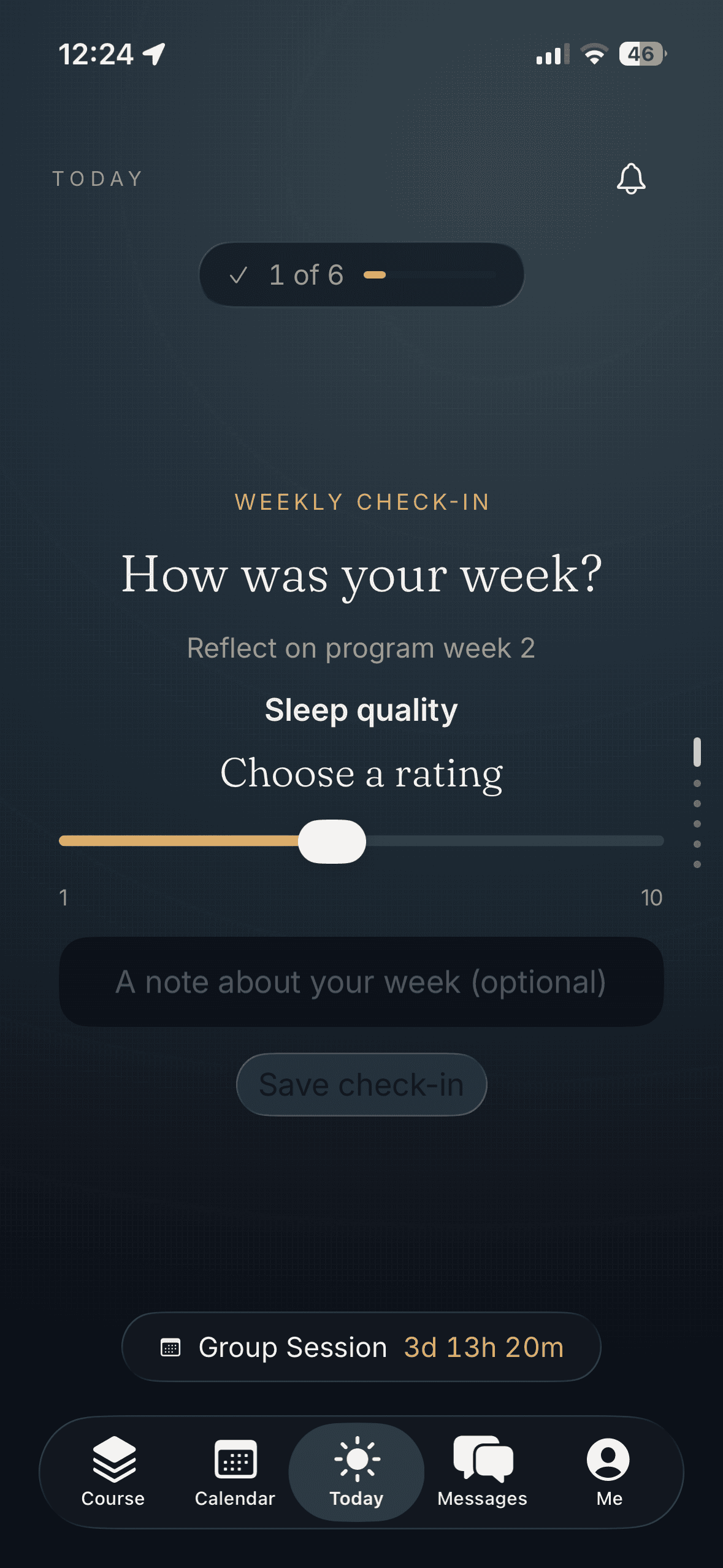
Bring check-ins and client progress into the conversation. See what they are doing between sessions, then review it together.
Your approach. Their experience.
You know your
clients best.
Choose what they work on, how you check in, and what progress means for them. Build an experience around your clients and the way you practice.
The work they do.
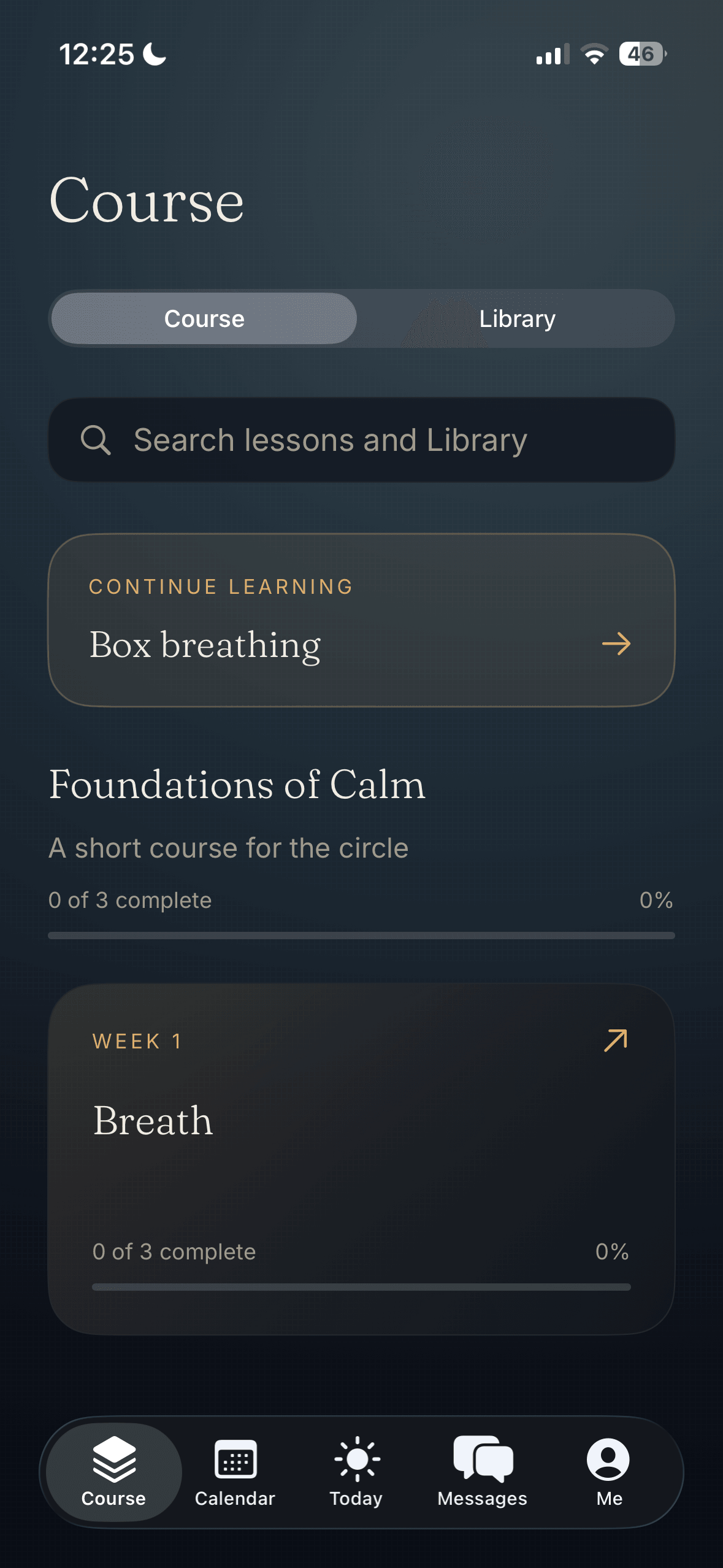
Set action items, share exercises and resources, and organize courses around the work you do together.
The rhythm you set.
Choose recurring check-ins, dated assignments, and group or one-on-one sessions that fit your program.
The progress that matters.
Choose the metrics you want to follow. Review their responses, participation, and consistency over time.
Receive client drift alerts.
Get alerts when a client's consistency falls below the threshold you set. See who needs your attention, review their activity, and reach out with support.
Give clients a direct line to you.
Keep the conversation going between sessions. Clients can message you directly in the app, send a voice note, or share files. Reply in the same conversation so your support stays connected to their work.
Tell Claude what you want to create. Review it together. Make it yours.
Choose the theme
that matches your brand.
One Today page. Six theme previews. Explore the same client experience in different colors.
iPhone theme previews. These options are not yet available in the released app, which uses Midnight.
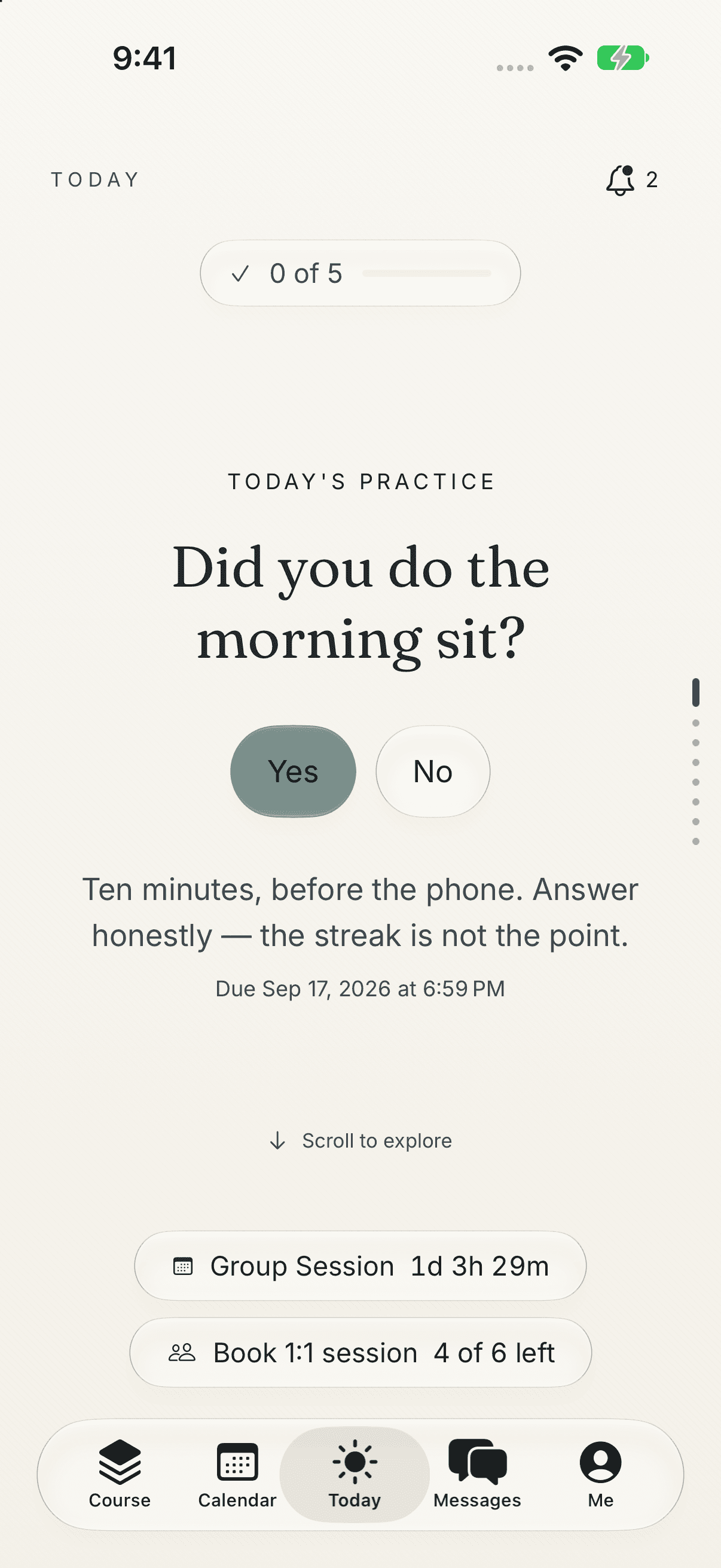
Quintessence
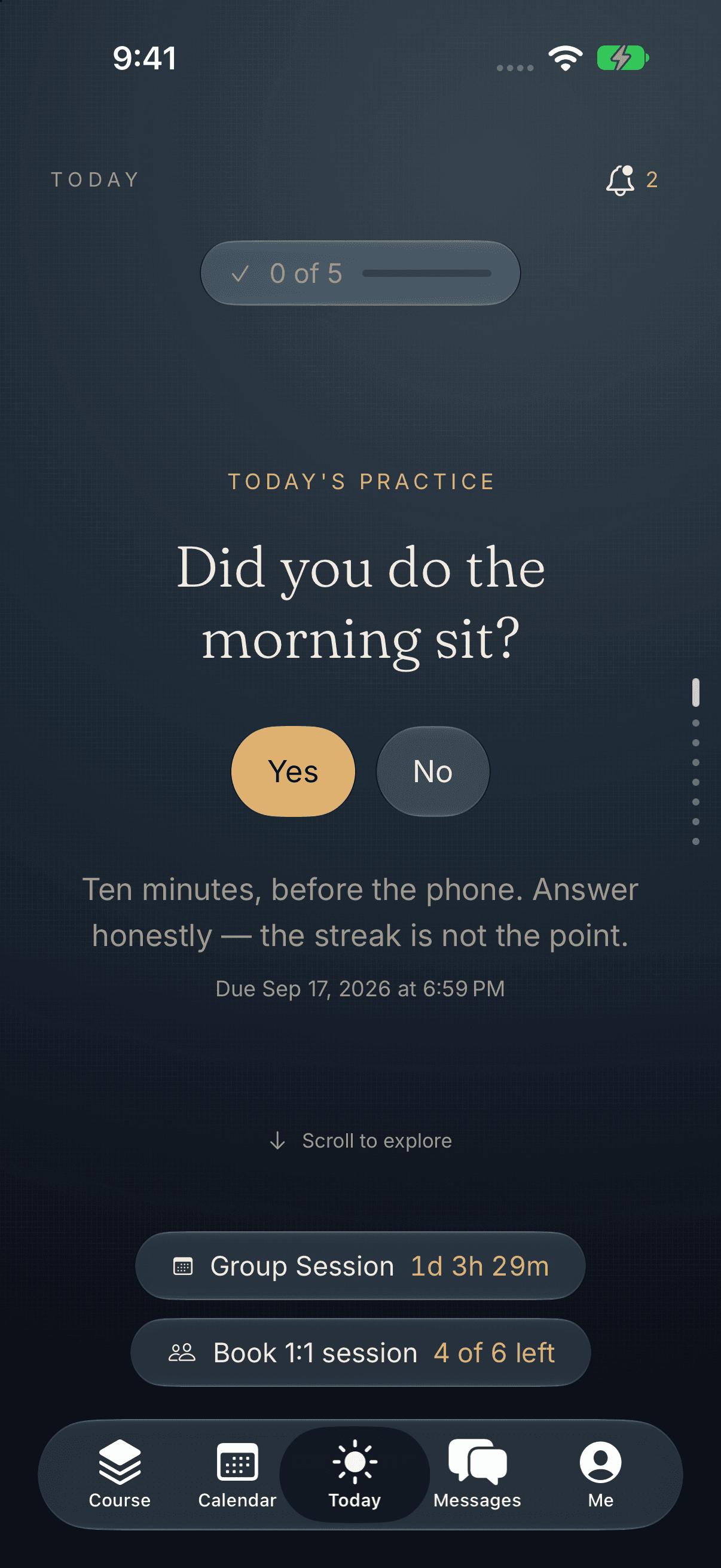
Numinous Night
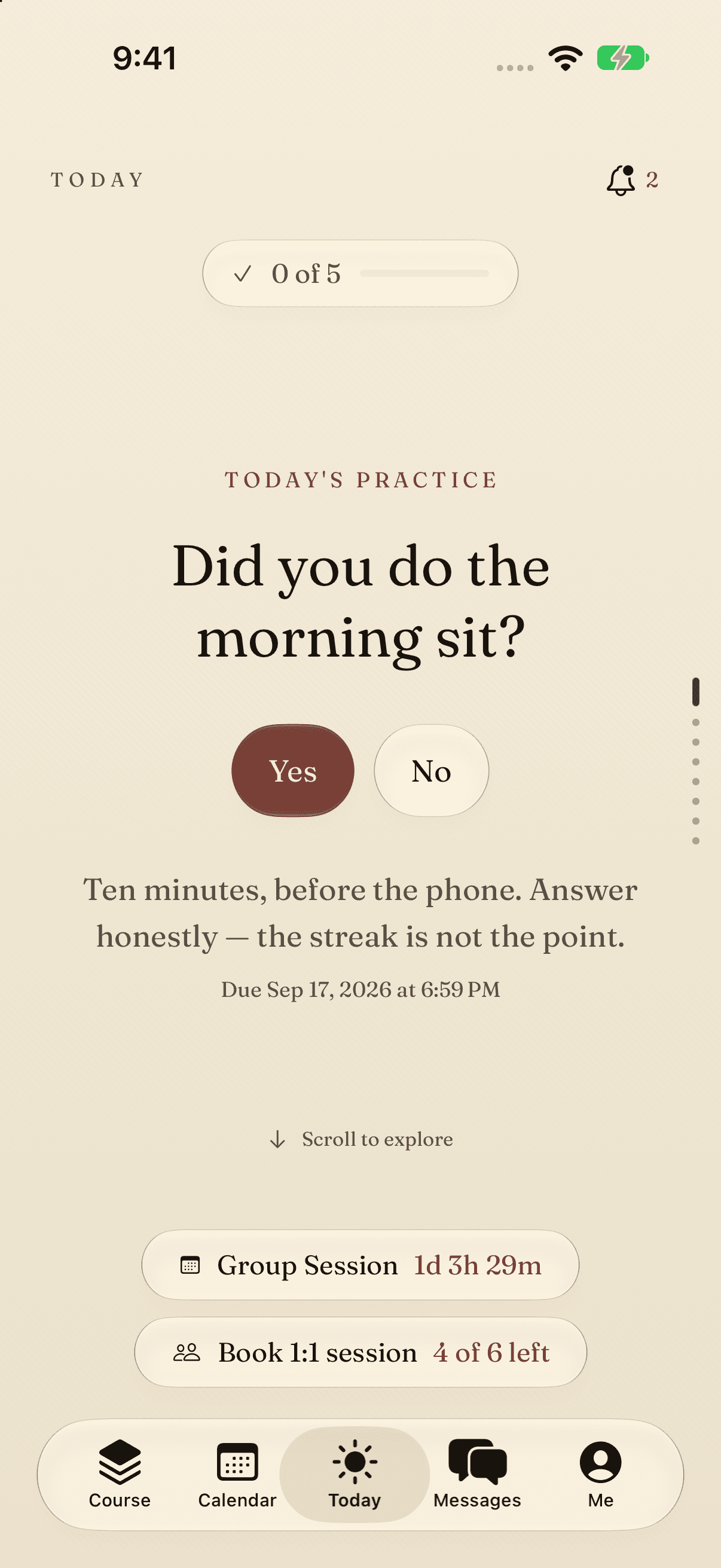
Editorial Paper
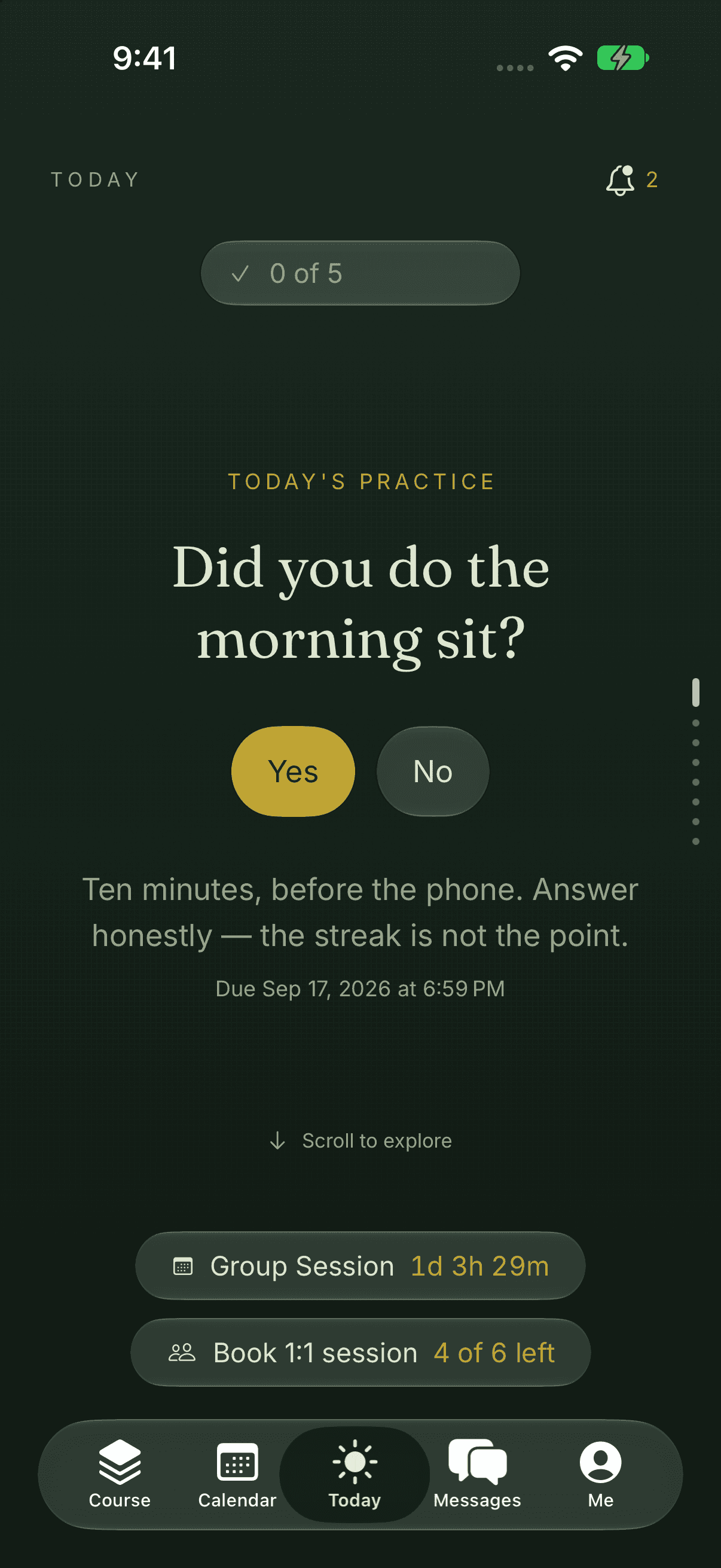
Forest Floor
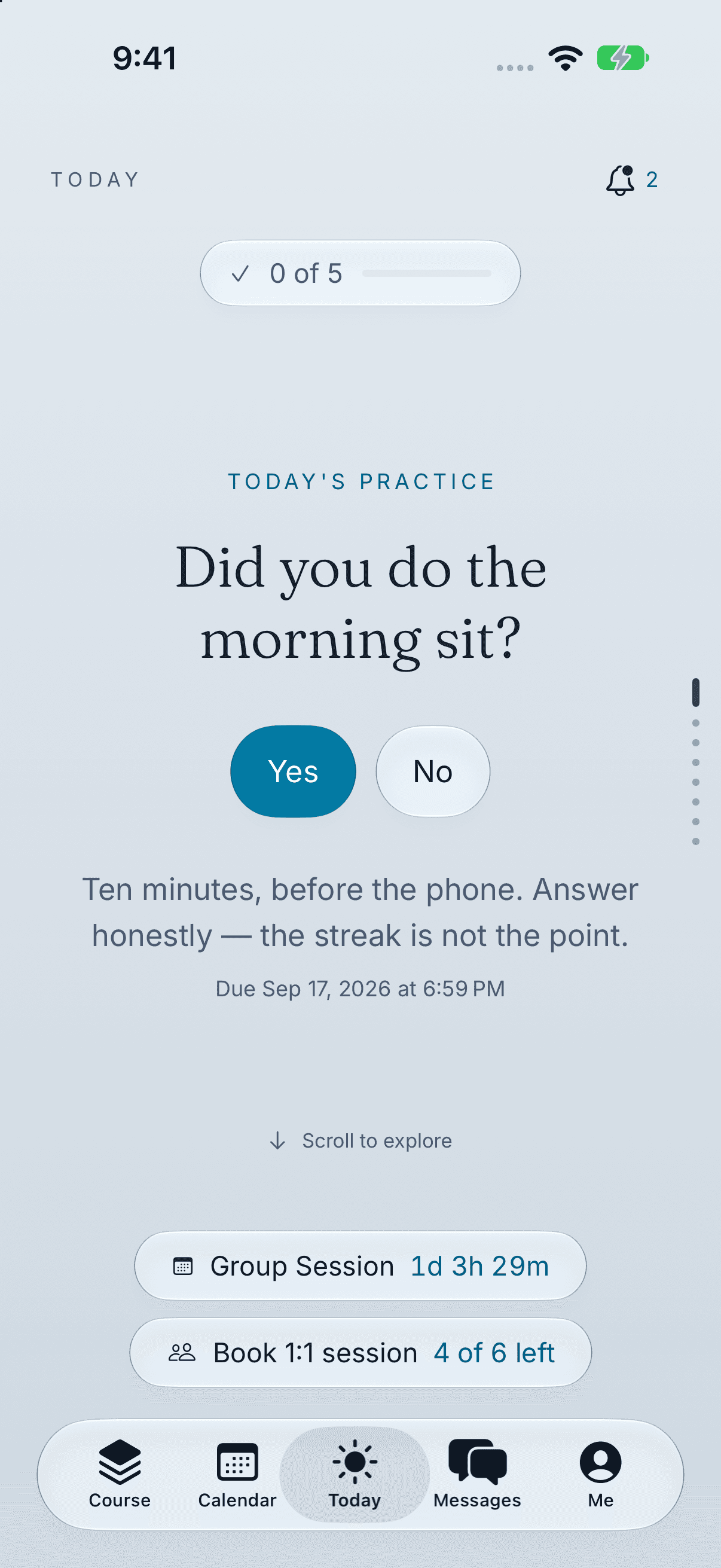
Tide & Stone
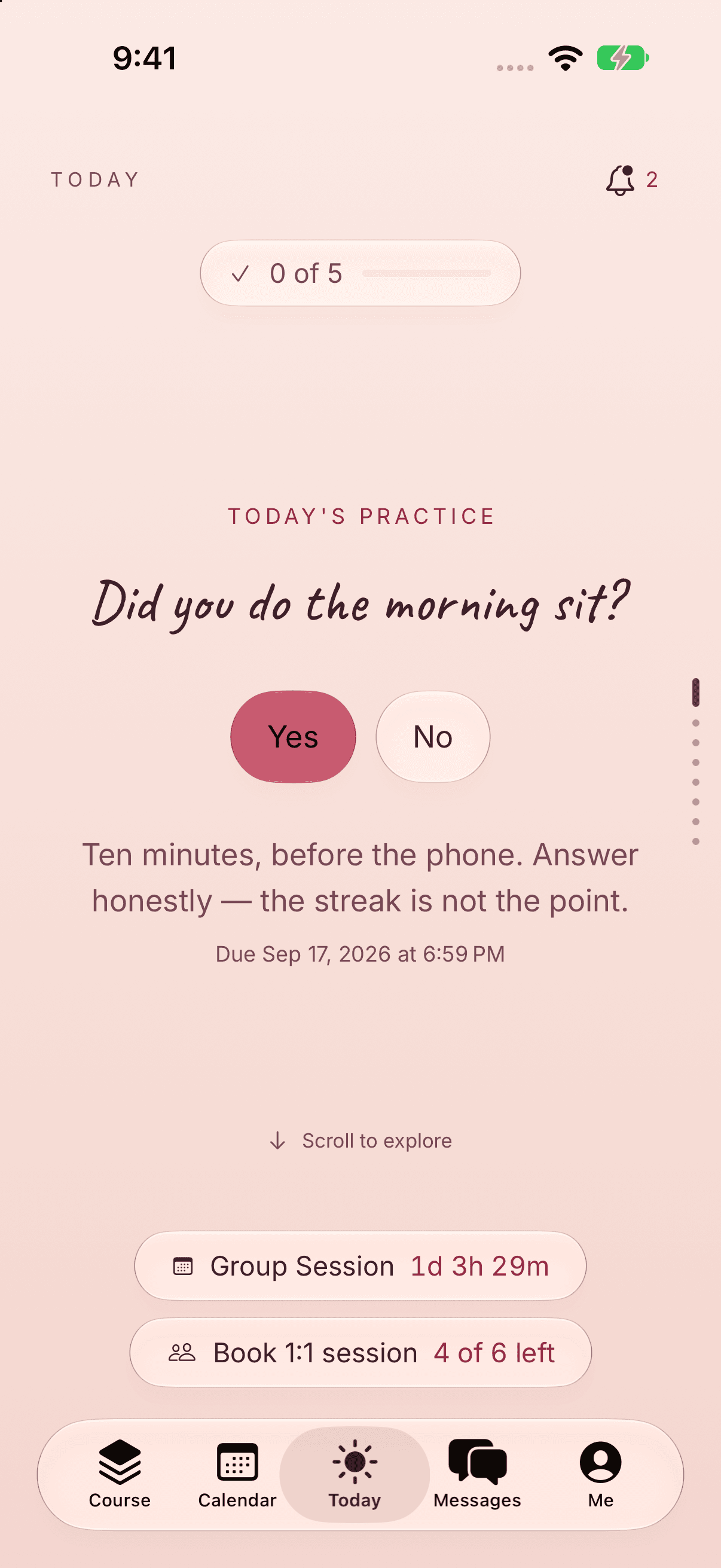
Dawn Petal
Your practice.
The essentials, together.
From the first agreement to the work between sessions.
Cohorts, memberships & one-on-one
Run a group with a shared start date, welcome members as they join, or give each client an individual program.
AI-guided setup
Talk through your program with connected Claude. Build the structure, then review it before inviting clients.
Action items & accountability
Give clients clear next steps, dated assignments, and recurring check-ins, together on their Today page.
Progress metrics over time
Follow weekly metrics, attendance, and consistency trends. Bring your clients’ recorded progress into the conversation.
Bring your course into Meridian
Give Claude your course outline, video links, and handouts. Organize them into modules, lessons, and quizzes through the connector.
Native scheduling
Let clients book one-on-one sessions inside Meridian. Connect your calendar, set availability, and manage bookings through Claude.
Agreements & onboarding
Set expectations, collect signatures, and welcome clients into the experience you have designed.
Direct chat & voice notes
Keep practitioner-client conversations together, with text, voice notes, photos, videos, and files.
Export your clients’ results
Download cohort results as a spreadsheet or PDF report, including attendance, completion, consistency, and weekly metrics.
Courses, lessons & quizzes
Give your teaching a clear structure. Share learning materials and check understanding as clients move through your program.
Group sessions & resources
Keep group calls, shared materials, and the work between meetings connected to your program.
Your brand, their daily experience
Choose a client theme and bring your colors into the place your clients return to.
Find the right fit
for the way you work.
Community, courses, or a client practice. Start with the experience you want to deliver.
| Platform | Primary focus | Selected capabilities |
|---|---|---|
| Meridian | Practitioner-led programs and client accountability. | AI-guided setup, daily actions, check-ins, progress, and one-on-one work. |
| Skool | Membership communities and learning. | Community memberships, courses, videos, and live calls. |
| Kajabi | Selling and delivering knowledge products. | Courses, coaching, communities, offers, and email campaigns. |
| Circle | Community businesses and member engagement. | Community, courses, events, payments, AI tools, and automations. |
| Practice Better | Practice management for health professionals. | Scheduling, client portals, messaging, charting, and programs. |
A few things
you might be wondering.
Who is Meridian for?
Practitioners and coaches who want to manage their practice and stay connected with clients between sessions. That includes individual work and group programs.
How do I get early access?
Join the waitlist with your name and email. We will keep you updated as early access opens.
Can my clients use Meridian on their phones?
Meridian is being built for the web and iPhone. We will share availability and access details with the early-adopter list.
Where can I see pricing?
We will share early-access plans and pricing before you decide to join. Signing up for the waitlist does not require payment.
Your practice.
Its next chapter.
Be part of Meridian from the beginning.
Join the early-adopter waitlist